
Why ONEDiary Saves to Your Phone First
ONEDiary saves entries on your phone first, so writing and reading work offline. Signed-in synchronization is optional; Offline mode pauses synchronization until you resume it.
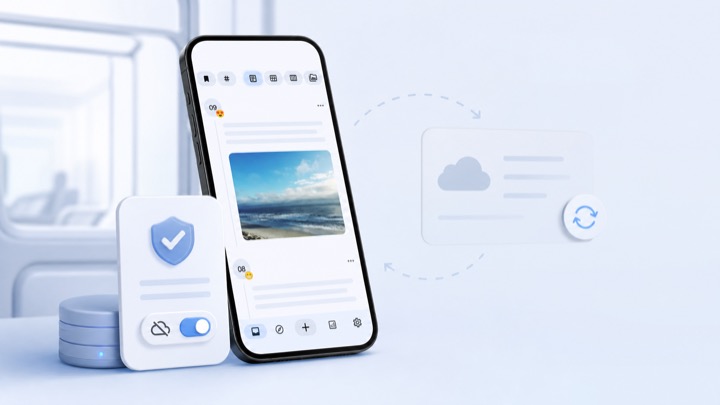
Most journaling apps start with an account screen. ONEDiary starts with an empty page. That is a product decision before it is an engineering one, but it only holds up if the storage layer is arranged to match it — so this is the part of the app we designed first and have changed least.
The rule: writing never waits on the network
There is exactly one rule the storage layer has to obey. When you tap save, the entry is durable before anything else happens. Not queued for upload, not optimistically rendered while a request is in flight — written to disk on the device, in a transaction that either succeeds or fails locally.
Everything else in this post is a consequence of that rule.
Room is the source of truth
ONEDiary keeps entries in a Room database on the device. The UI never reads from the network. Screens observe Room through Kotlin flows, so the timeline, the calendar, and search are all rendering the same local tables and all update the moment a write lands.
This is worth being precise about, because "offline support" is often built the other way around: the server is authoritative and the device holds a cache that can be invalidated. That design is fine for a feed. It is wrong for a diary, where the thing you wrote is not a cache of anything — it is the original, and there may never be a copy.
- Reads come from Room, always. No screen has a loading state that depends on connectivity.
- Writes commit to Room, then a separate layer decides whether anything needs to leave the device.
- Conflicts are resolved against local data, not resolved by refusing to let you write.
Firestore is a mirror, not a home
If you sign in and turn on Data sync, ONEDiary mirrors your entries to Firestore so that your signed-in devices converge. Read that sentence in the order it is written: signing in is optional, sync is a separate switch, and the mirror is downstream of the local database rather than the other way around.
Practically, that means the sync layer is allowed to be slow, to fail, and to retry, without any of that being visible in the writing experience. A failed upload is a background retry. It is never a lost entry and never a blocked save button.
What Offline mode actually does
There is a setting called Offline mode, and it is easy to assume it is a UI toggle that hides sync status. It is not. Turning it on pauses Firestore synchronization and keeps pending changes on the device until you resume.
It exists because "I have a connection" and "I want to use it" are different questions, and only you can answer the second one. Travelling on an expensive roaming plan, writing something you are not sure you want mirrored yet, or just wanting the radio quiet — all of those are reasons to pause without signing out and without losing the sync configuration you already set up.
When you turn it back off, the queued changes drain in the background. Nothing is discarded in the meantime.
The defaults do the arguing
The three states a new install can be in are worth listing, because the ordering is the whole design:
- Fresh installNo account, no sync, no AI access. You can write, read, search, attach photos, and browse the calendar. This is the state the app ships in, and plenty of people never leave it.
- Signed in with Data sync onEntries converge across the devices you are signed in on. You can switch this off at any time, or pause it with Offline mode.
- AI access allowedA separate, explicit permission. Reports and diary chat can read your entries only after you grant it. Turning on sync does not turn this on.
None of these are upsells wearing a settings label. Each one is off until you decide otherwise, and each one is reversible from the same screen you enabled it on.
What this costs us
Being honest about the trade: local-first is more work, not less. We maintain migrations for a schema that lives on devices we cannot inspect. We cannot fix a bad row with a server-side script. Features that would be trivial with a central database — cross-device full-text search over content we never receive, for instance — are either harder or off the table entirely.
We think that is the right bill to pay for an app whose entire job is holding onto things you cannot get back. But it is a bill, and it gets paid in every release.
Try it on your own phone.
Free on Google Play. Android 10 or later. No account needed to start writing.